Tips for Maintaining Your Electronic Devices
Learn essential tips for maintaining your electronic devices to ensure longevity, optimal performance, and safety.
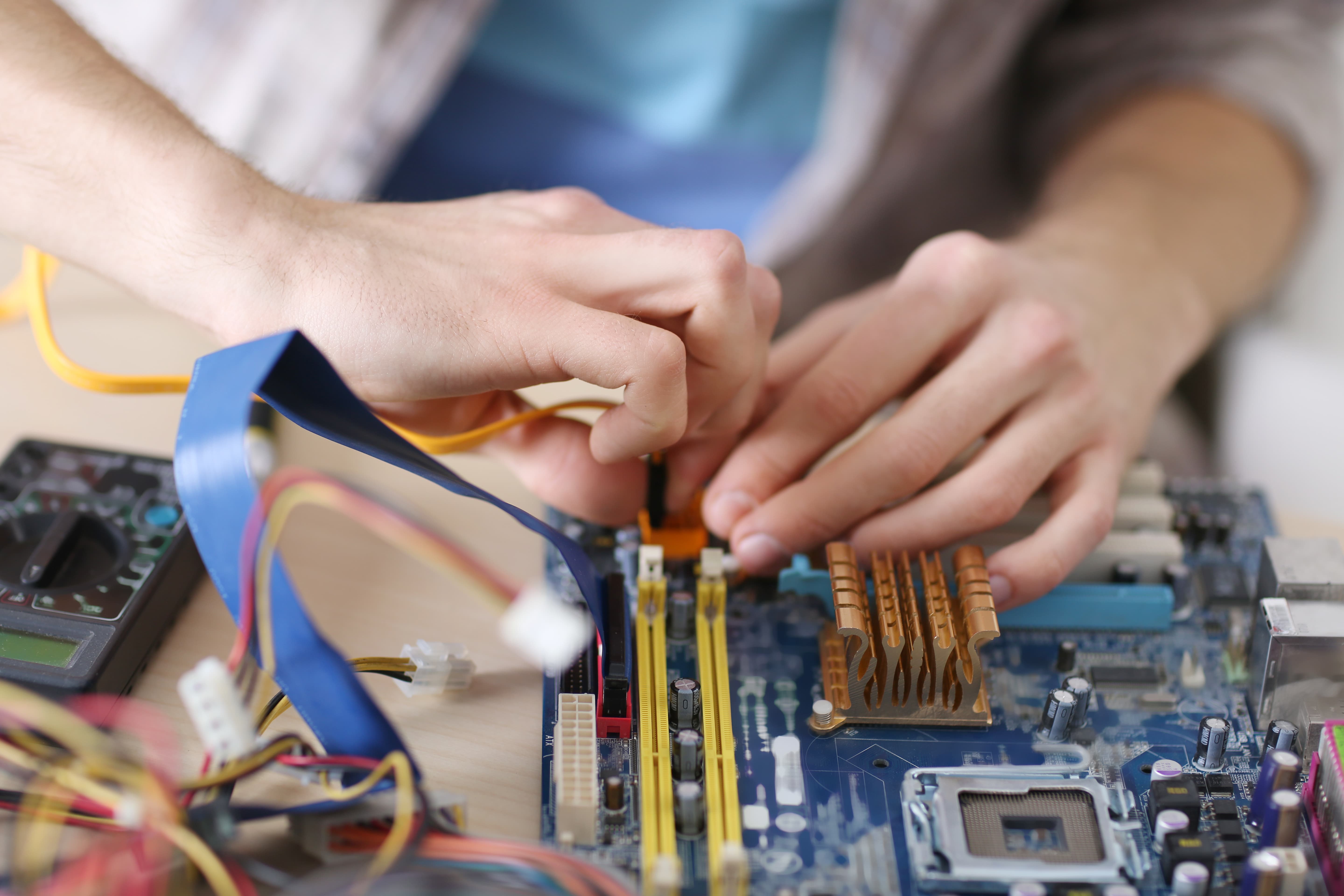
Regular Cleaning and Dusting
Keeping your electronic devices clean is crucial for their longevity and performance. Dust and grime can accumulate in the crevices of devices, leading to overheating and malfunction. Use a soft, lint-free cloth to wipe down screens and surfaces. For hard-to-reach areas, a can of compressed air can help dislodge dust particles. Make sure to power down and unplug devices before cleaning to avoid any electrical hazards. Regular cleaning not only improves performance but also enhances the overall user experience by keeping screens and keyboards clear of dirt and smudges.
Proper Storage
Storing your electronic devices correctly can prevent unnecessary damage. Avoid exposing your gadgets to extreme temperatures, as both heat and cold can negatively impact battery life and internal components. Store devices in a cool, dry place and use protective cases to shield them from physical damage. When not in use, it's a good idea to turn off devices to conserve battery life and reduce wear and tear. Proper storage practices can significantly extend the lifespan of your electronics, ensuring they remain functional for years to come.
Battery Maintenance
Taking care of your device's battery is essential for maintaining optimal performance. Avoid letting the battery drain completely before recharging, as this can shorten its lifespan. Instead, aim to keep the battery level between 20% and 80%. Additionally, using the manufacturer's recommended charger can prevent overcharging and overheating. If you notice your battery is swelling or not holding a charge, it may be time for a replacement. Proper battery maintenance not only enhances the device's longevity but also ensures it operates efficiently.
Software Updates
Keeping your device's software up-to-date is vital for security and performance. Regularly check for and install updates for your operating system and applications. These updates often include important security patches, bug fixes, and performance improvements. Neglecting software updates can leave your device vulnerable to malware and other security threats. Additionally, outdated software can slow down your device and cause compatibility issues with newer applications. Staying current with updates ensures your device runs smoothly and securely.
Safe Usage Practices
Using your electronic devices safely can prevent accidents and prolong their lifespan. Avoid exposing devices to moisture and handle them with care to prevent drops and impacts. When using laptops and tablets, ensure they are placed on stable surfaces to avoid overheating. For smartphones, using a screen protector and sturdy case can prevent damage from everyday use. Being mindful of how you handle and use your devices can prevent costly repairs and keep them functioning effectively.
Backup and Data Protection
Regularly backing up your data is crucial to prevent data loss in case of device failure. Use cloud services or external hard drives to store important files, photos, and documents. This ensures you can recover your data if your device is lost, stolen, or damaged. Additionally, using strong passwords and enabling two-factor authentication can protect your data from unauthorized access. Regular backups and robust security measures not only safeguard your information but also provide peace of mind knowing your data is secure.