A Beginner's Guide to Virtual Reality Headsets
Explore the basics of virtual reality headsets, from understanding key features to choosing the right model for beginners.
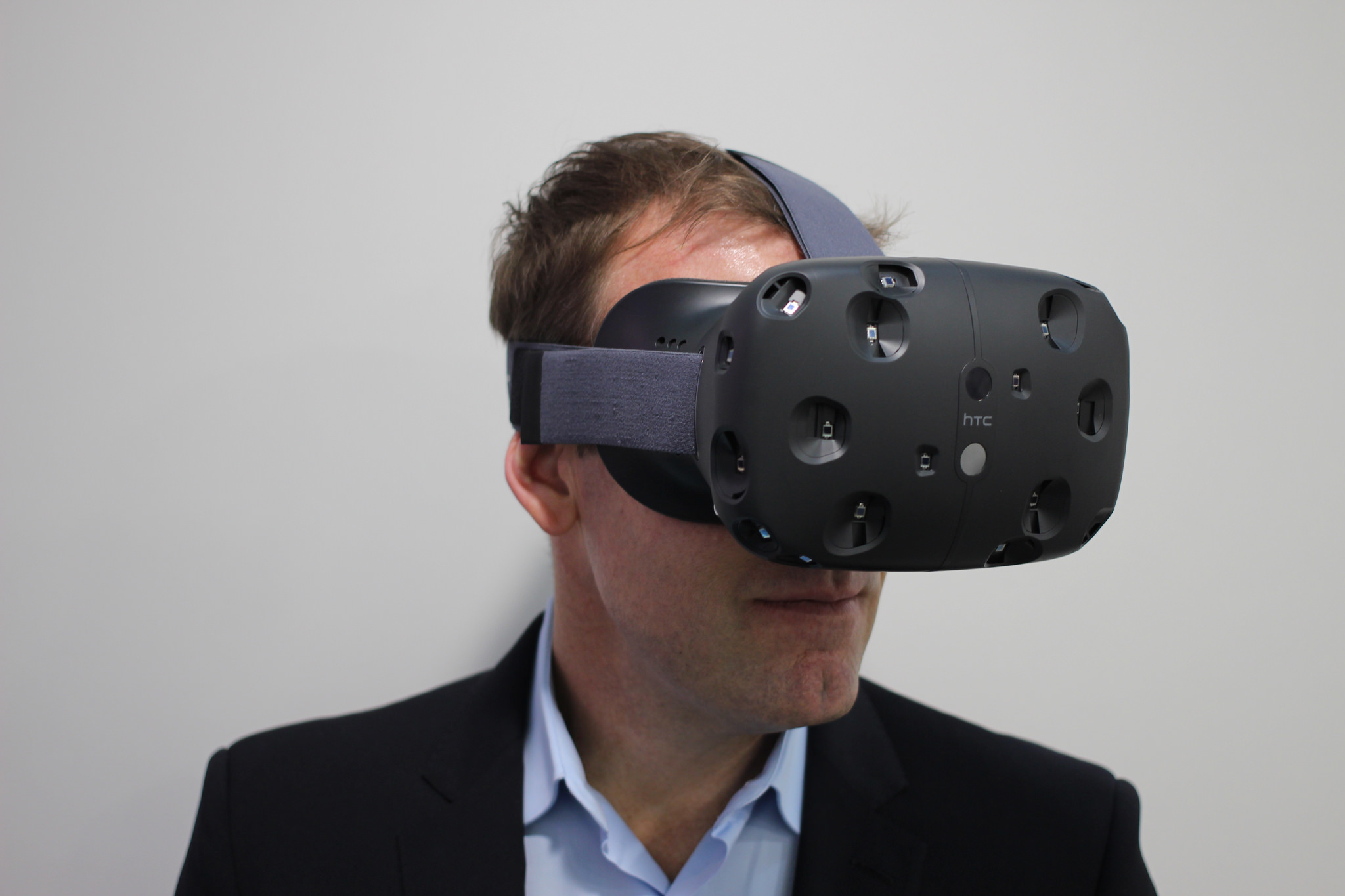
Understanding Virtual Reality Headsets
Virtual Reality (VR) headsets are immersive devices that transport users into a three-dimensional, computer-generated environment. These headsets are typically worn over the eyes, completely blocking out the real world and replacing it with a virtual one. This immersive experience is achieved through a combination of high-resolution displays, motion tracking sensors, and sometimes, additional peripherals like hand controllers. VR headsets can be used for various applications, including gaming, education, and professional training. Understanding how these devices work and their potential uses is the first step towards appreciating the revolutionary technology behind VR.
Types of VR Headsets
There are several types of VR headsets available on the market, each catering to different needs and budgets. Tethered headsets are connected to a computer or gaming console, offering high-quality graphics and performance but limiting mobility due to the physical connection. Standalone headsets are all-in-one devices with built-in processors and displays, providing a more portable solution without the need for external hardware. Lastly, smartphone VR headsets use a mobile device as the display and processing unit, offering an affordable entry point into virtual reality. Each type has its pros and cons, making it essential to choose the one that best fits your requirements.
Key Features to Consider
When selecting a VR headset, several key features should be taken into account. Display resolution is crucial for a clear and immersive experience; higher resolutions provide sharper images and reduce the screen-door effect. Field of view (FOV) determines how much of the virtual world you can see at once, with wider FOVs offering more immersive experiences. Refresh rate impacts how smooth the visuals appear, with higher rates reducing motion sickness. Additionally, tracking technology is essential for accurate movement representation, with options like inside-out tracking offering more freedom without external sensors. Understanding these features will help you make an informed decision when purchasing a VR headset.
Popular Applications of VR
Virtual reality is not just for gaming; it has a wide range of applications across various fields. In education, VR can create immersive learning environments, allowing students to explore historical sites or conduct virtual science experiments. In healthcare, VR is used for surgical training, pain management, and even therapy for mental health conditions. The real estate industry utilizes VR for virtual property tours, giving potential buyers a realistic sense of space without physically visiting the location. Additionally, VR is increasingly being adopted in professional training, providing safe and controlled environments for training in fields such as aviation, military, and emergency response. The versatility of VR makes it a valuable tool beyond entertainment.
Getting Started with VR
Embarking on your VR journey can be both exciting and overwhelming. Start by identifying your primary use case, whether it's for gaming, education, or professional purposes. Research different VR headsets and compare their features, keeping in mind your budget and requirements. Once you've selected a headset, take the time to set it up correctly, ensuring you have enough space for movement and that the device is properly calibrated. Explore various VR apps and experiences to get a feel for the technology. As you become more comfortable, you can delve deeper into the VR community, joining forums and social media groups to stay updated on the latest developments and share your experiences. By following these steps, you'll be well on your way to fully enjoying the immersive world of virtual reality.